SO-1842Dealer confirmation
PendingDue todayPI-2208Proforma printed
PI generatedPayment slip inDSP-096PDI, battery, charger
ApprovedAwaiting acknowledgementSO-1790Proof of delivery
FulfilledDealer receivedDMS Electric vehicle sector
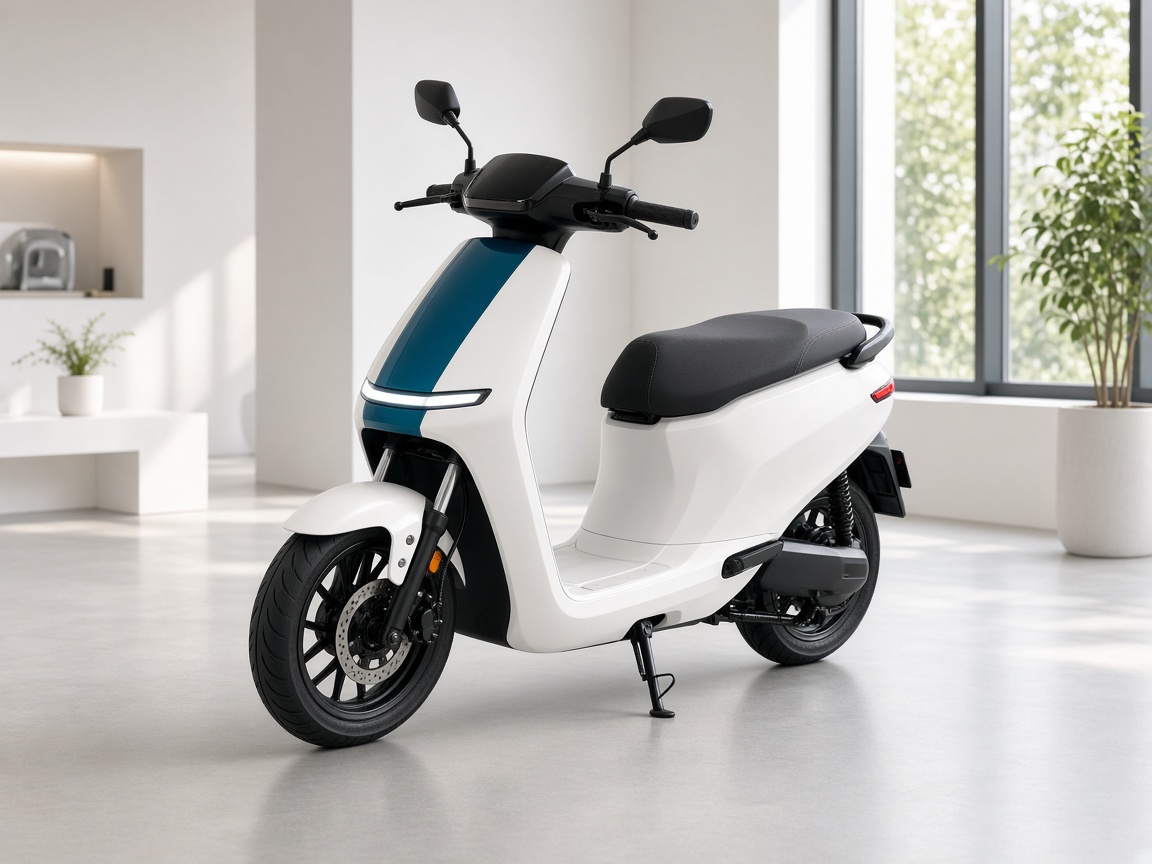
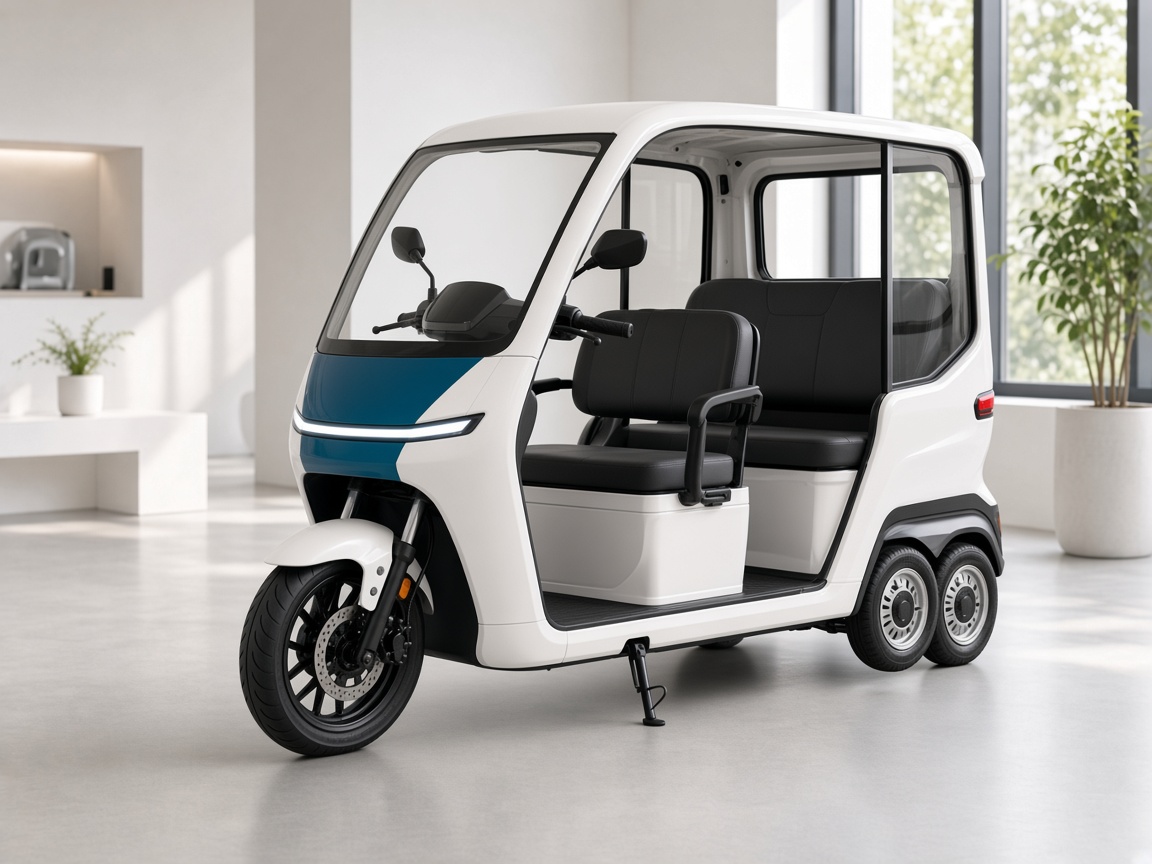
One system for electric two-wheelers, three-wheelers and four-wheelers. Book the dealer order, issue a proforma, check the payment slip, release dispatch, and run service from the phone.

The order path
Two workspaces
A lead stays a lead until someone books an order. Production serials and spare stock sit beside that path.
Browser
The commercial path, from the first booking to the vehicle leaving the yard.
Phone
One login. The menu follows the user. Dealer and distributor share the same menu.
Who uses it
Face attendance, live staff tracking, visits, expenses, leads and dealer targets.
Confirm orders, watch stock, register the retail customer and receive the shipment.
See assigned tickets and close them with parts, photos, signatures and feedback.
View spare and vehicle stock, raise an internal helpdesk ticket and read notices.
Beside the order
These do not start when an order is booked, and they do not replace the order path.
Check-in and check-out with location and a face scan. Live tracking follows the field person. A visit closes with minutes of the meeting.
A dealer raises a complaint on a sold or unsold chassis. The customer and the assigned dealer or engineer can be updated on WhatsApp.
Upload vehicle, battery and charger serials for dispatch linking. Spare inward, outward and transfer stay separate. Final dispatch adjusts in-transit stock.
Enter dealer quantity and spare-parts targets. Review planning and demand versus stock. Reports do not create an order.
Register the retail customer against a product serial, with invoice photo, price and battery details. That does not book a factory order.
Raise a return-to-factory challan with photos and transport details, or submit a service claim with coupon, chassis and battery readings.
For manufacturers
Book the dealer order, confirm it, issue a proforma, check the payment slip, and release dispatch only after PDI, battery and charger serials are acknowledged.
The dealer confirms receipt on the phone. If the delivery is wrong, they raise a concern and the manufacturer can see the proof of delivery.
Tell us how orders, dispatch and service run today. We will map them onto this DMS.
Clear answers to common questions about features, implementation and support.
Tell us what you want to improve. Our team will help you choose the right solution.
Tell us who you are so our team can follow up if you need more help.
Conversation securely saved by JDAAS. Privacy