Solar, inverter and battery

Sales, production and factory repair on one desk.

One desk for solar inverters, home and online UPS, and lead and lithium batteries. Office staff record returns, job cards, quotations, sale orders and dispatch in the browser. Field staff use the iOS and Android app for attendance, visits, spare stock, sale booking, leads and warranty registration.

  • Solar inverter
  • Home UPS
  • Online UPS
  • Lead battery
  • Lithium battery
  • Charger
  • BrowserReceiving, sales papers, repair and dispatch.
  • iOS and AndroidAttendance, visits, booking and warranty.
  • SerialUploaded or scanned. Already on the unit.

Sale and production

From a field booking to dispatch.

  1. Book the saleA salesperson records the booking on the iOS or Android app and can approve it there.
  2. Quote and orderThe office turns it into a quotation, then a sale order.
  3. ProformaPrint the proforma, mark the order received, then approve it for production.
  4. Record productionUpload the serials, then a quality sheet. Finished-goods stock shows the quantities.
  5. DispatchUpload the invoice file and the product serials on the shipment.

A lead is saved as open, assigned, in progress, not mature, closed or junk. Sale booking is a separate save.

Factory repair

From a return to the dispatch print.

  1. ReceiveSave the complaint, then raise the challan.
  2. Open the jobThe card moves through pending, received and tested.
  3. Repair or replaceSend the work to repair, a new-product review, an advance replacement, or a vendor.
  4. PackReady for dispatch, on hold, cancelled or short-closed.
  5. Print dispatchBill advice or a delivery challan. The challan stores the e-way bill number.

The office assigns the field ticket and prints the service report. The iOS and Android app lists assigned, closed and pending tickets and closes one with a closure code.

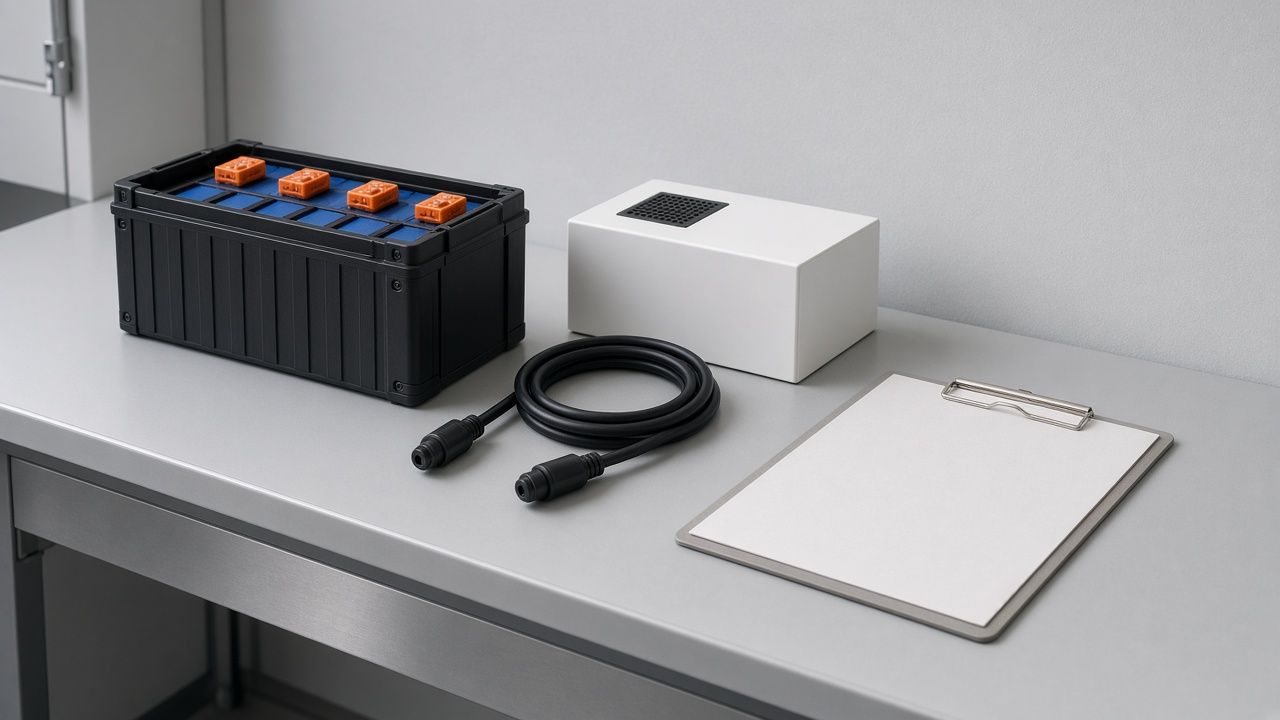
A battery module and a charger on a service bench

Two workspaces

The office path in the browser. Field work on iOS and Android.

Browser

  • Receiving, challan and job card
  • Quotation, proforma and sale order
  • Production serials and finished stock
  • Packaging, warehouse and dispatch
  • Warranty approval and reports

iOS and Android

  • Tickets, attendance and leave
  • Visits, expenses and a receipt photo
  • Spare stock: request, inward, outward
  • Sale booking, leads and a month projection
  • Warranty registration by serial
  • Live tracking of the signed-in person

Who uses it

Office, field, sales and partners.

Office

Returns, repair, sales papers, production and dispatch.

Field service

Tickets, attendance, stock, visits, expenses and leave.

Sales

Sale booking, leads, visits, expenses and attendance.

Dealer and distributor

Warranty registration, leave, and a stock summary of total, sold and pending.

Papers

Printed in the browser. Files uploaded with the job.

  • Proforma and quotationPrinted from the sale path, including an export copy.
  • Challan and bill adviceDelivery challan or bill advice on dispatch. The e-way bill number prints on the challan.
  • Field service reportPrinted when the office closes the ticket.
  • UploadsTax invoice on dispatch, warranty invoice photo, expense receipt, and the docket on receiving.

WhatsApp can follow a new ticket, an assignment, a receipt, a delay note, a repair dispatch and an order update.

Running solar, inverter and battery sales through one desk?

Tell us how bookings, serials and repair work today. We will map them onto this desk.

Talk to an expert
Frequently asked questions

Everything you need to know

Clear answers to common questions about features, implementation and support.

01What does the inverter desk cover?
Solar inverters, home UPS, online UPS, lead batteries, lithium batteries and chargers. The office runs sales papers, production serials and factory repair. The iOS and Android app runs field work, sale booking and warranty registration.
02Where does each part run?
The browser runs receiving, quotations, proforma, sale orders, job cards, packaging and dispatch. The iOS and Android app runs attendance, visits, expenses, spare stock, leads, sale booking, warranty registration and live tracking of the signed-in person.
03How does a sale move?
A salesperson books it on the iOS or Android app. The office creates the quotation and the sale order, prints the proforma, approves production, uploads the serials, then uploads the invoice and the serials at dispatch.
04How does a return move?
Receiving saves the complaint. The job card goes through pending, received and tested, then repair, a new-product review, an advance replacement or a vendor. Packaging and a bill advice or delivery challan follow.
05What happens to the serial?
Staff upload a product serial or scan one that is already on the unit. Warranty registration reads that serial. A tracker can look the same serial up later.
Still have a question?Tell us about your requirements and we’ll help you find the right approach.
Contact Our Team
Talk to JDAAS

Ready to make your business work better?

Tell us what you want to improve. Our team will help you choose the right solution.

Contact JDAAS