Lithium service
Factory repair for lithium batteries and chargers.
A complaint opens on a serial that already exists. Receive the return, confirm the serials, inspect the unit, repair or replace it, then pack it and dispatch it.
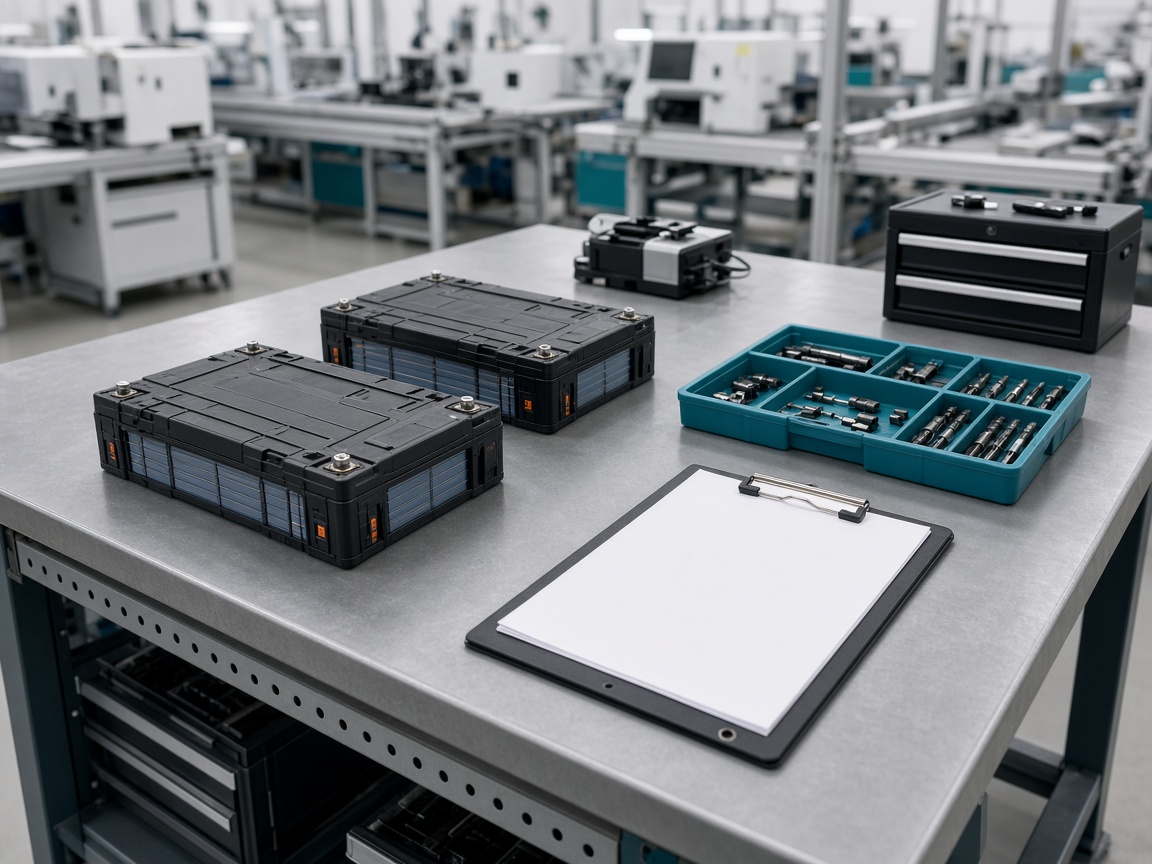
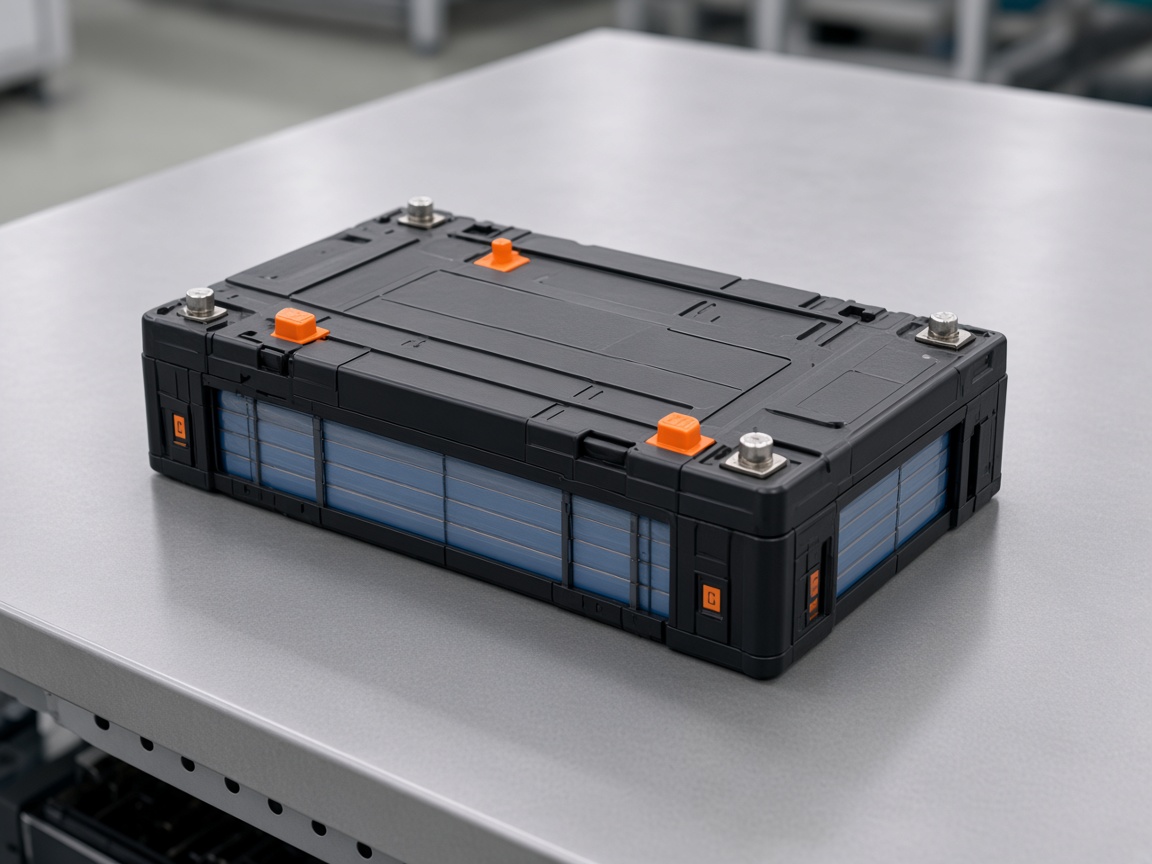
- Lithium battery
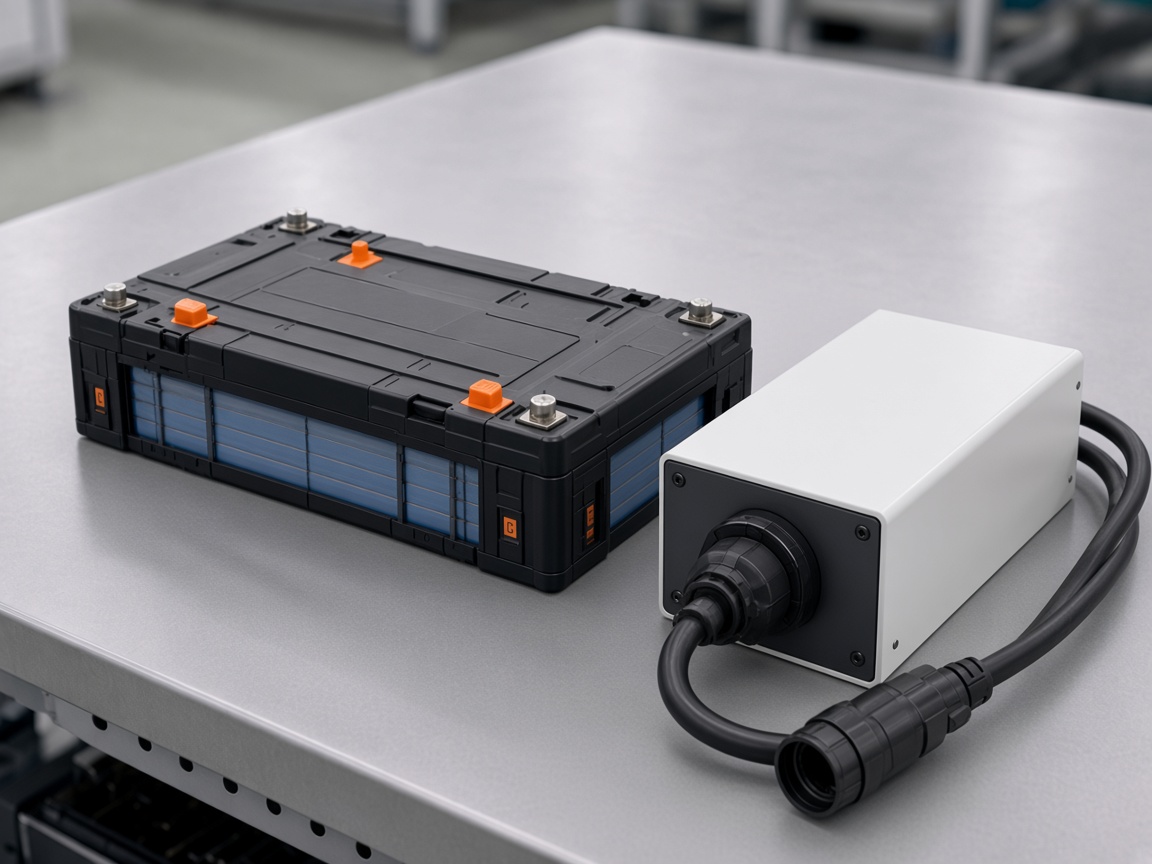
- Lithium charger
- Battery and charger
- Complaint 1842Pending checkSerials to confirm
- Job 2208InspectedWarranty in
- Job 096In repairCell recorded
- Dispatch 1790Ready to leaveE-way bill next
- Factory repairComplaint to dispatch
- Phone appAttendance, visits and stock
- Serial checkSame serial on the job
- Spare stockPart, quantity and movement
The repair path
Eight steps from complaint to dispatch.
Company teams run these steps in the browser. The phone shows the ticket list and the field work.
- RegisterOpen the complaint on the web. The phone home shows assigned, closed and pending tickets.
- ReceiveNormal replacement, sample return, advance replacement, stock in, or information still pending.
- Confirm serialsCheck the serials already on the unit, and the shipping address.
- Open the jobPending, then received, then inspected. Warranty can be in, out, ok, void, rejected or on hold.
- Repair or replaceRepair, a new-product review, or an advance replacement.
- Produce and checkRecord the cell used on that job, then save the final check.
- Pack and dispatchReady for dispatch, on hold, cancelled or short-closed. Stock the job in, dispatch it, and generate the e-way bill.
- Follow upRecord a rating on the call. A delay note can go out on WhatsApp.
Two workspaces
The factory path in the browser. Field work on the phone.
Browser
Repair desk
Company teams and partners share this desk. Each role sees the menus assigned to it.
- Complaint and receivingRegister the ticket, receive the goods, and keep the challan or bill copy with the receipt.
- Inspection and repairConfirm serials, record warranty, then send the job to repair, a new-product review, or an advance replacement.
- Pack and dispatchFinal check, packaging, stock-in and dispatch. Battery serials and charger serials are listed apart when transport details change.
Who uses it
Who is on the desk.
Field person
Tickets, attendance, leave, visits, expenses and live tracking.
Service centre
Spare stock, faulty returns and a monthly payout.
Factory and partners
Repair, production, new-product review, store, OEM, dealer and distributor.
With the job
Warranty, returns, papers and reports.
Running battery returns through the factory?
Tell us how complaints, serials and dispatch work today. We will map them onto this service desk.
Talk to an expertFrequently asked questions
Everything you need to know
Clear answers to common questions about features, implementation and support.
01What does the lithium service cover?
Lithium batteries, lithium chargers, and a battery sent with its charger. The same receiving screen can also take a mixed pair.
02Who uses it?
Field staff, service centres, dealers, distributors, OEMs and the factory groups that repair, produce, review new work and keep the store. Each role sees the menus assigned to it.
03Where does the work run?
The browser runs receiving, inspection, repair, packing and dispatch. The phone lists tickets, then attendance, visits, expenses, spare stock and commissioning.
04What happens to the serial?
Staff confirm the serial already on the battery or charger. That same serial stays on the job through inspection, repair, production, packing, stock-in and dispatch.
05What papers go with a job?
The docket, the bill, the warranty card and the purchase invoice. The desk can print a challan and an e-way bill.
Still have a question?Tell us about your requirements and we’ll help you find the right approach.
Contact Our Team